VRAM
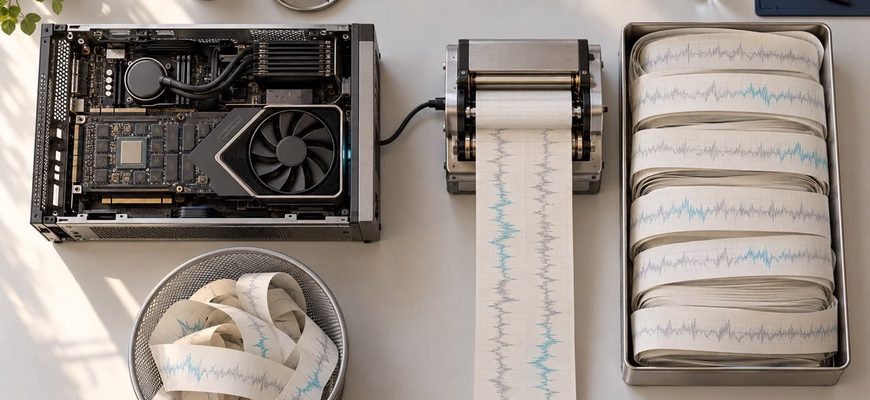
The shared LLM server has not crashed. GPU utilization remains high, requests are still finishing, and the monitoring dashboard shows no conventional out-of-memory failure.

There is an appealingly simple upgrade path for a busy local AI server: install another GPU. Twice the accelerators should mean something close to twice

A local AI server can feel almost instantaneous when one person is using it. Add a second conversation and it may still feel fine. Add several people with

A local LLM does not necessarily have to fit entirely inside your GPU’s VRAM. If the model is too large, runtimes such as llama.cpp can keep part
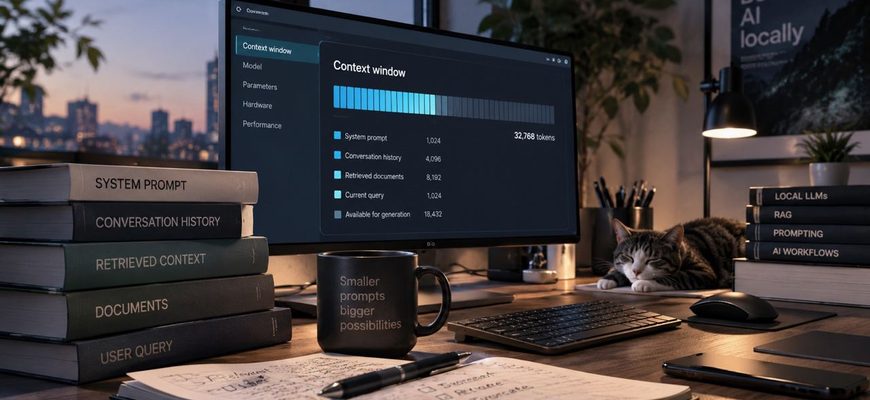
A local model may advertise a 32K, 64K, 128K, or even larger context window. That does not mean you should configure your local runtime to use the maximum.

A local LLM being slow does not automatically mean that your GPU is too weak. The model may be spilling into system RAM, the CPU may be doing more work

A 14 GB model file does not mean you need exactly 14 GB of memory to run it. And a model described as “8B” does not have one fixed memory requirement.

A 14 GB model file does not mean you need exactly 14 GB of VRAM to run it. The weights are only one part of the memory used during inference.

A local LLM can fit comfortably into your GPU at an 8,000-token context and run out of memory when you increase that context several times over.