GPU
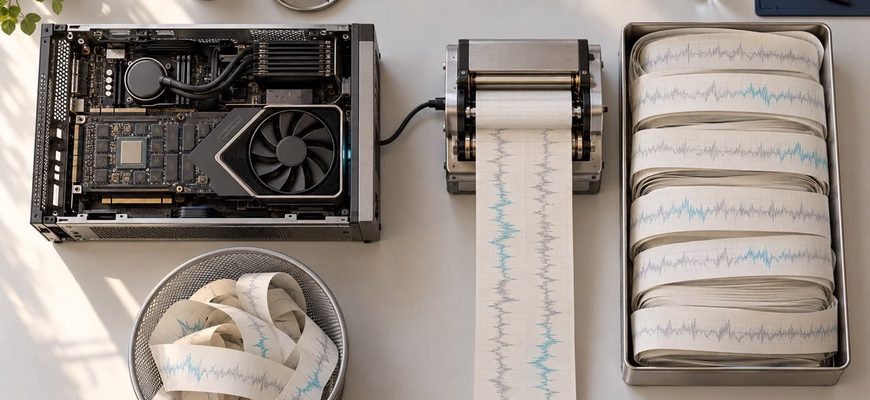
The shared LLM server has not crashed. GPU utilization remains high, requests are still finishing, and the monitoring dashboard shows no conventional out-of-memory failure.
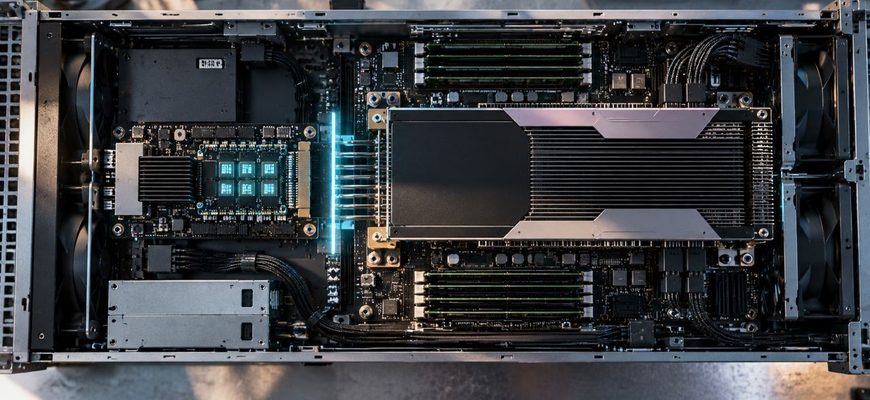
A large language model can have a powerful GPU almost to itself and still produce a single conversation one token at a time. The accelerator finishes one
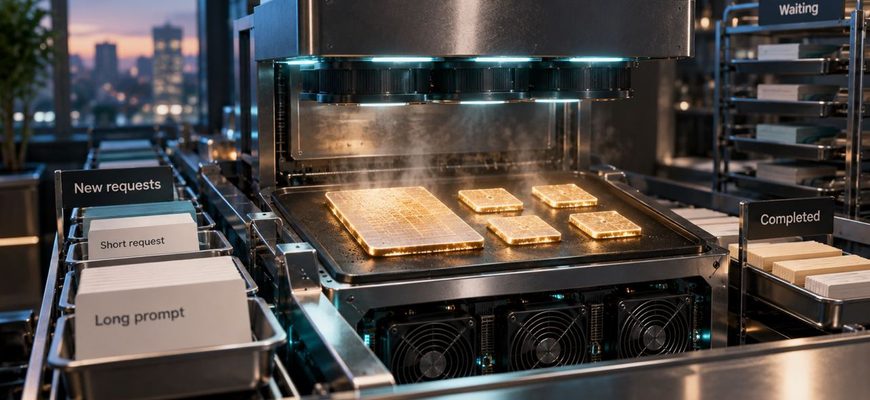
Four people are talking to the same local LLM. One asks a short question and gets an answer in seconds. Another requests a long explanation.

Three people are using the same local AI server. Two answers are already streaming at a comfortable pace. Then a third user pastes a long document and presses Send.

There is an appealingly simple upgrade path for a busy local AI server: install another GPU. Twice the accelerators should mean something close to twice

A local AI server can feel almost instantaneous when one person is using it. Add a second conversation and it may still feel fine. Add several people with

A local LLM produces 100 tokens per second. On paper, that sounds fast. Then a real user sends a long prompt and waits several seconds before anything

A local LLM does not have one meaningful “tokens per second” number. Before it can write the first token of an answer, it has to process the tokens already in the prompt.

A local LLM does not necessarily have to fit entirely inside your GPU’s VRAM. If the model is too large, runtimes such as llama.cpp can keep part

A 14 GB model file does not mean you need exactly 14 GB of VRAM to run it. The weights are only one part of the memory used during inference.